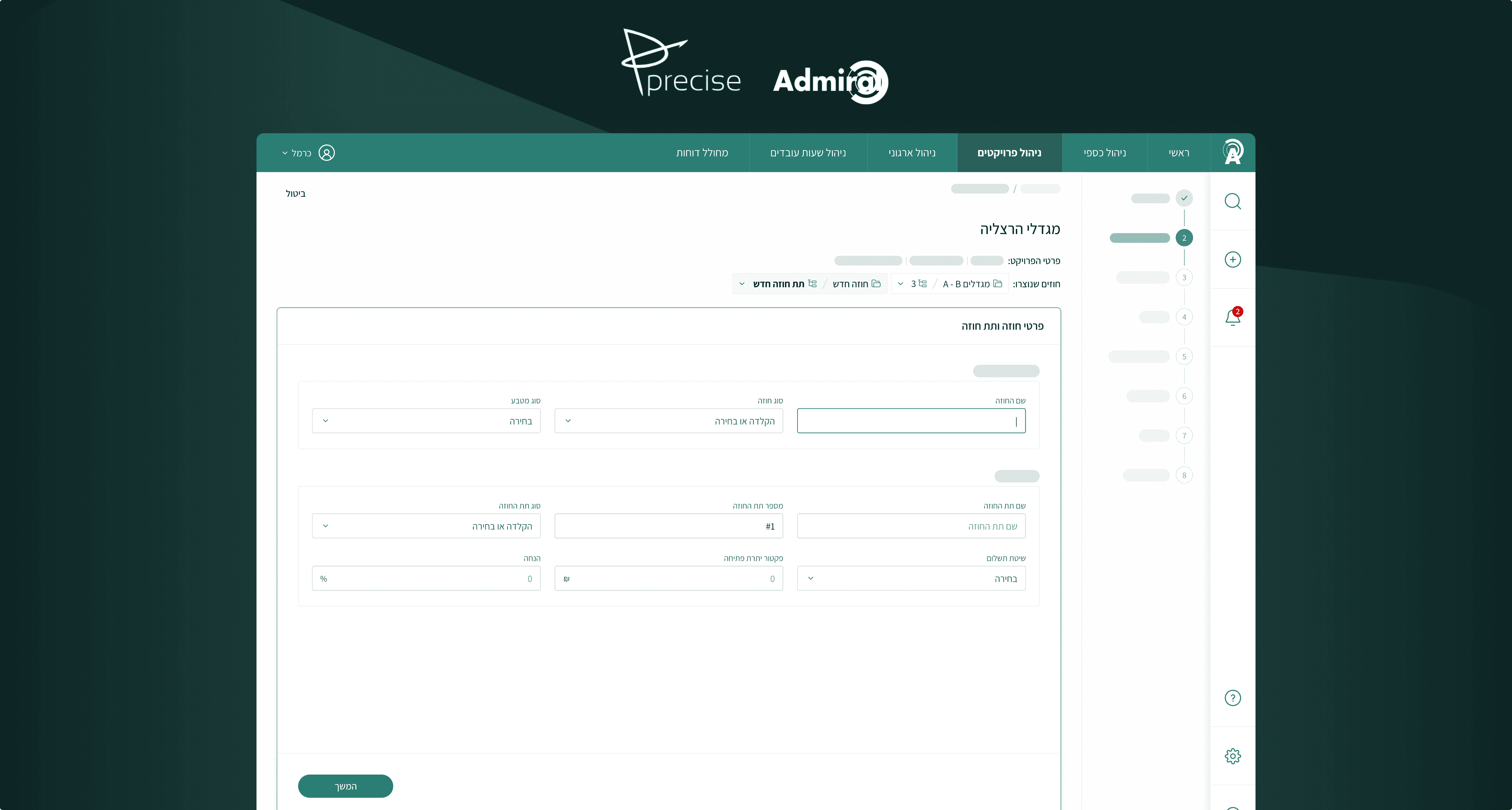
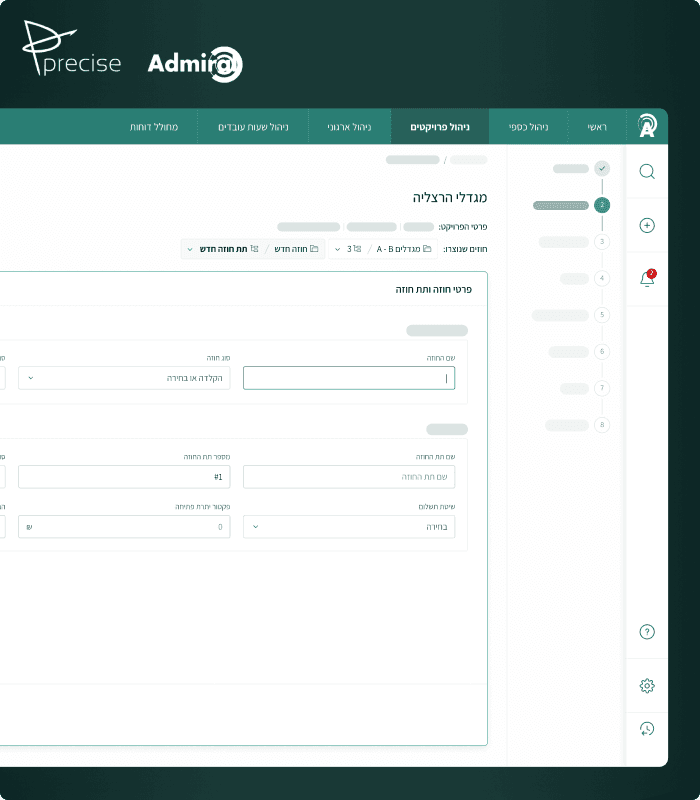
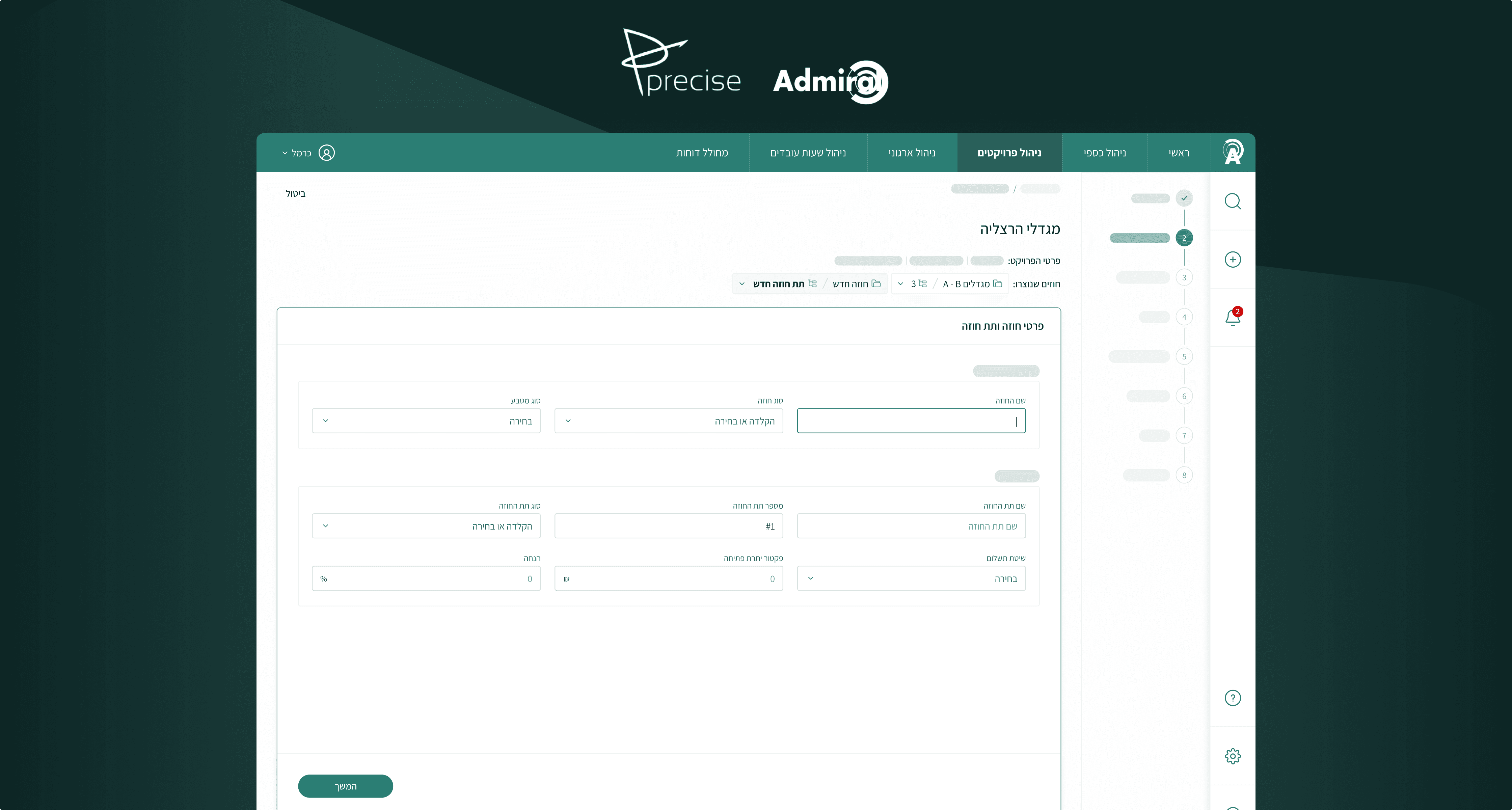
Challenge
Create a standardized and effective QA reporting workflow, to make bug documentation faster, actionable, and scalable across the team.
Collaborators
Claude Code
My responsibilities
Product Designer, internal product owner, and builder
Business goals
Reduce the operational costs and delays.
Improve the quality and consistency.
Accelerate time to production.
Personas
Project managers
Make QA documentation consistent and easier to produce with minimal effort.
Developers
Understand issues faster, reduce clarification requests, and move more quickly from report to resolution.
😊
The challenge
The QA process had 7 steps, repeated for every single bug.
And that's without counting the time lost digging through a desktop full of screenshots that all looked the same, or the mental effort of reconstructing what you even wanted to write.

The friction was the QA process.
Finding the bug took 5 seconds, but documenting it took too many steps.
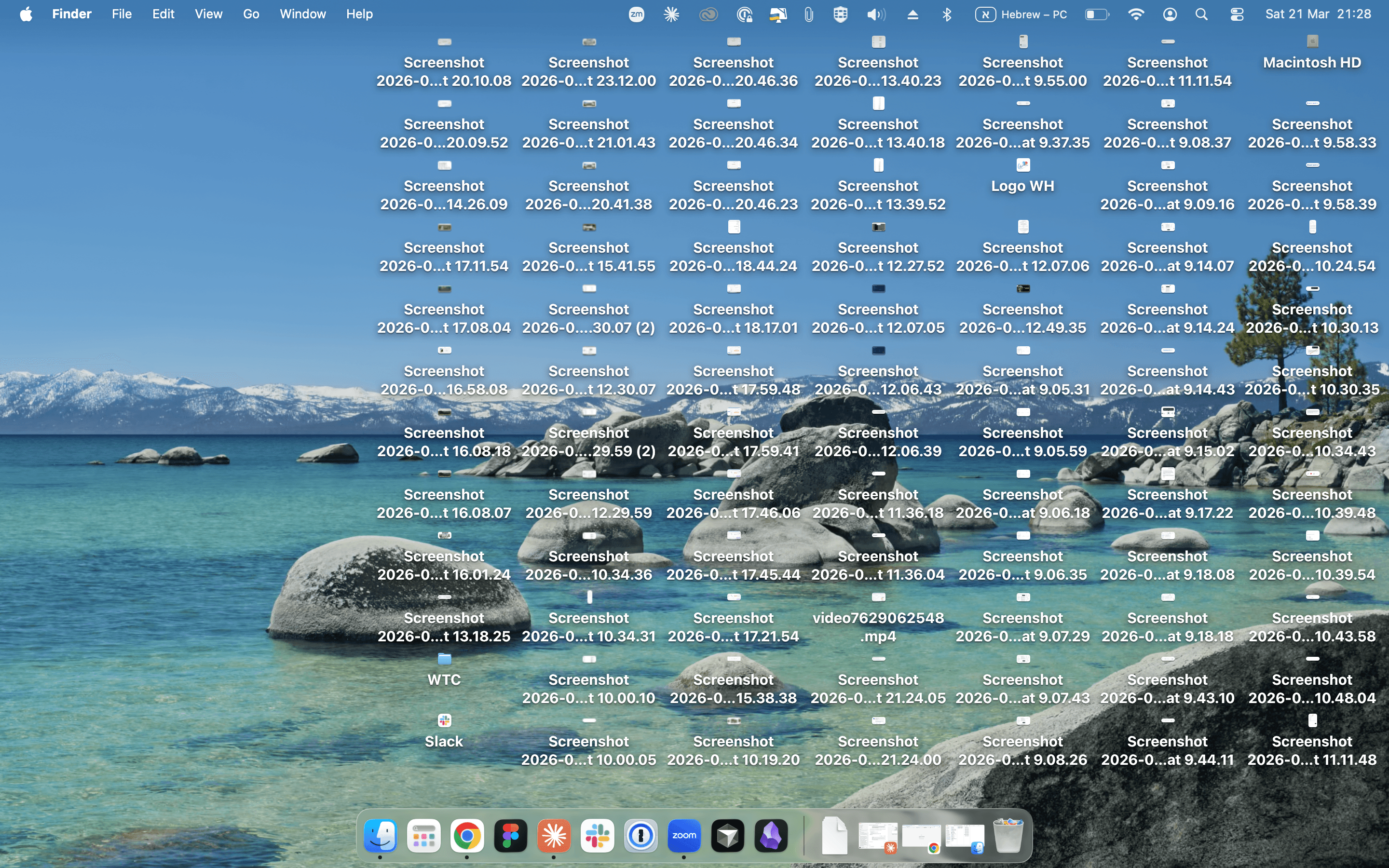
Screenshots of the bugs after one QA session on my project manager's computer 🫣
Research
Having two years of being in the room, watching closely, doing the work myself, and feeling the same friction everyone else felt.
It was a process that required too much mental overhead. My collogues and I became the users.
The question I was led by
Benchmark
Marker.io was the one that was close to what I had in mind.
Building process
Using
MVP
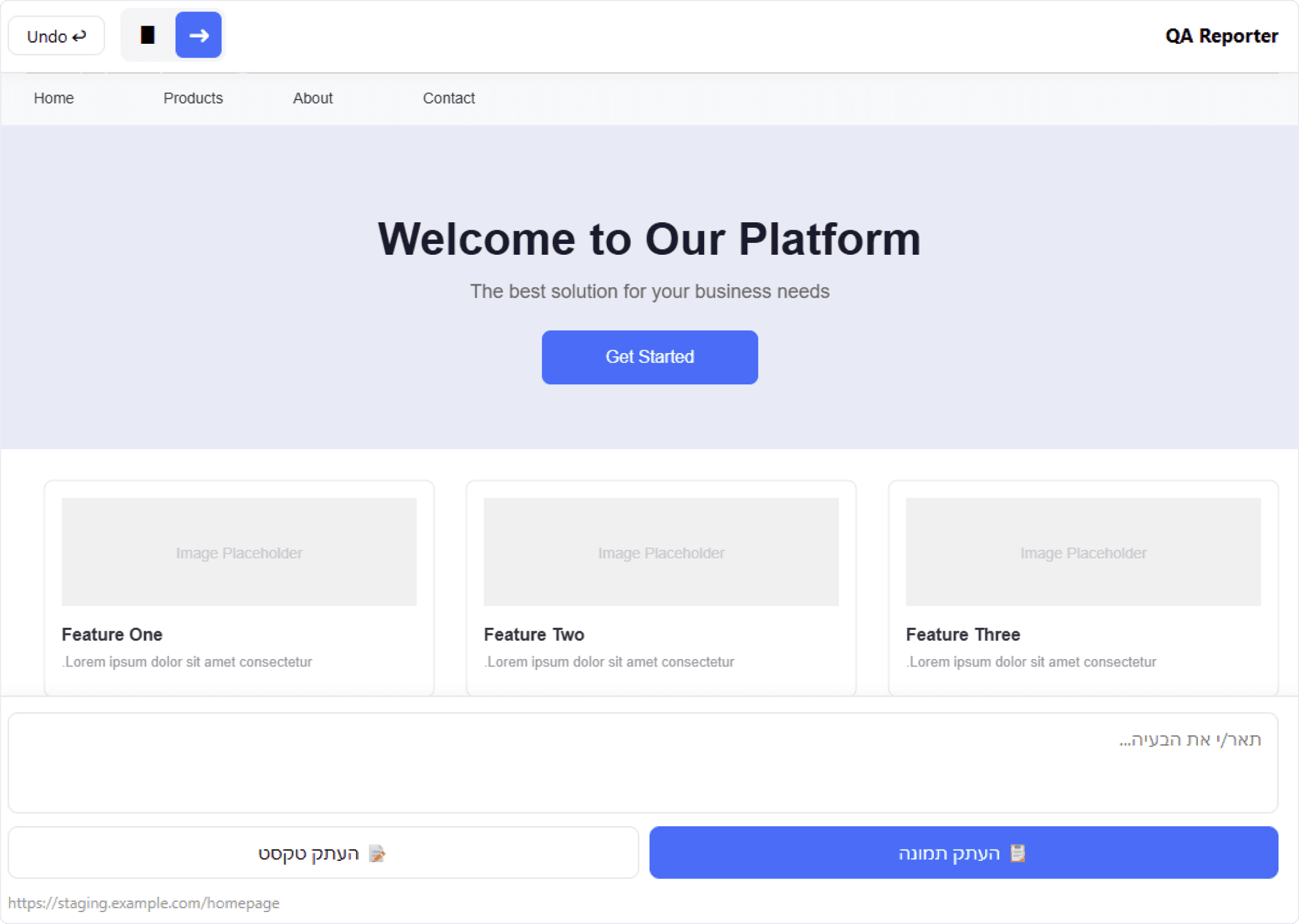
Before any Monday integration, I built a POC for idea validation.
The steps reduced from 7 to 4, but still had to switch windows quite a lot.
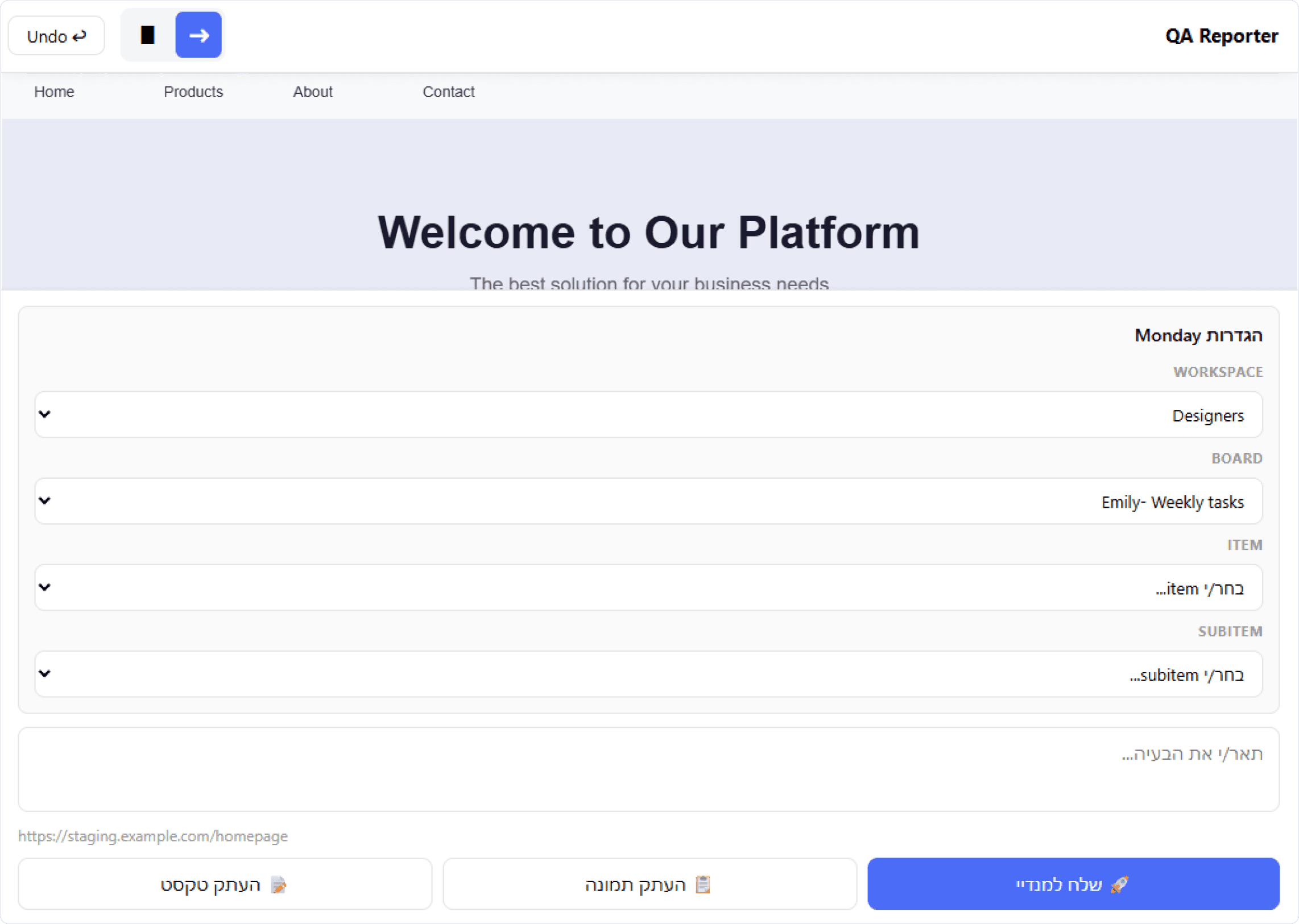
Monday integration
Finally 1 click sends the annotated screenshot and the written note directly to the right place in Monday.com.
Design approach
The solution worked functionally, but it was overloaded with fields, and the main key operations were compromised. It was therefore necessary to create a convenient and efficient experience.
Improve user's attention
Showing clear main actions helps maintain attention, reduce blackouts, and increase efficiency.
Focused decision-making
Keeping users attentive to what they're doing, so they don't need to re-enter the same information for every bug.
Clear functional separation
Support orientation around different tasks: identifying the issue, managing session data, and writing a report.
Usability test
Observing the PM's use of the tool enabled me to see where they might have got stuck or hesitated.
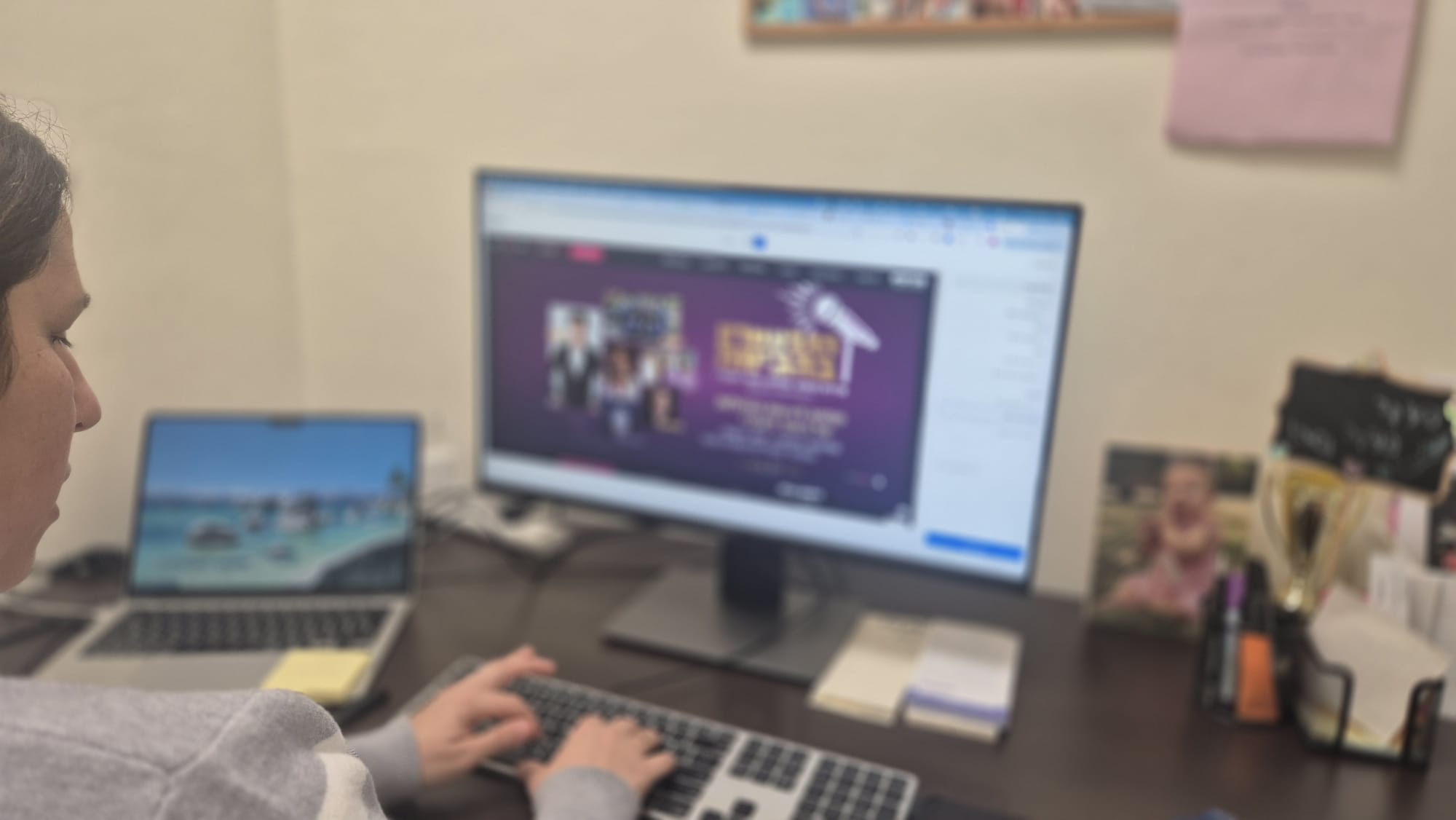
After sending a festive email 🎉 I walked from desk to desk and helped with implementation.
They were very curious, and the questions came quickly:
"Can we add more screenshots to the same QA note?"
"Can I set the task status directly from here?"
"Can we have here more hierarchies to choose from?"
By watching, I discovered some significant behavioral signals beyond verbal feedback.
Key insights
Releasing the Alpha version helped me build a much more effective and usable tool - quickly.
There point where users got confused and lost their orientation
The tool was a good start, but it wasn't a one-stop-shop as I aimed for.
Encourage PMs to provide feedback enables fast iterations and bug fixing.
Post-alpha iteration
I prioritized changes that were high-impact, fast to implement, and clearly better for everyone.
!
Setup - only once per session
After the first screenshot, the tool opens a setup modal where users choose the Monday workspace, board, task, and status for the current QA session.
These settings are saved and reused across bug reports, so users do not have to reconfigure the same context every time.
Reduce repeated decisions, keep workflow focused, and report faster while still allowing for changes.
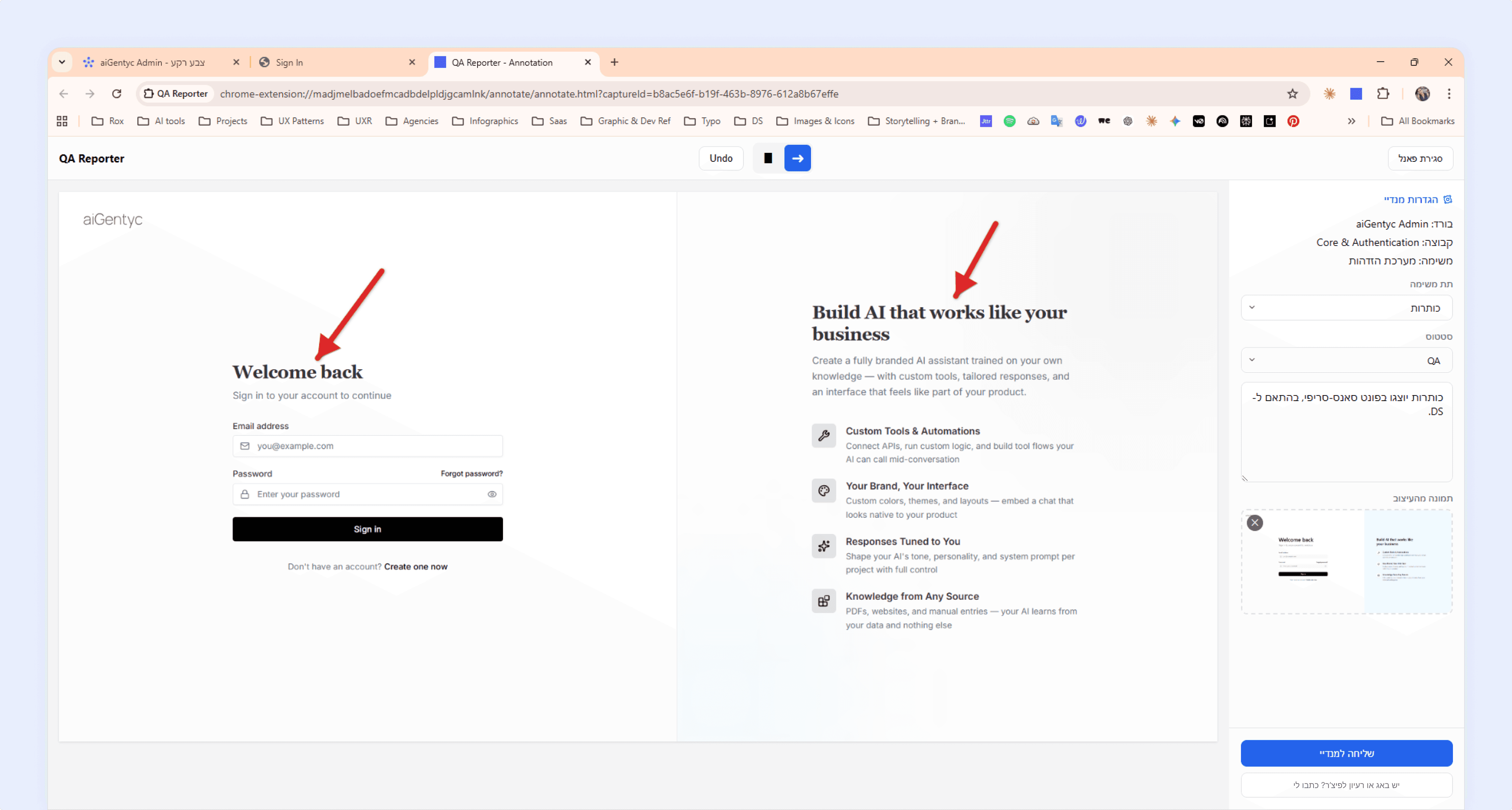
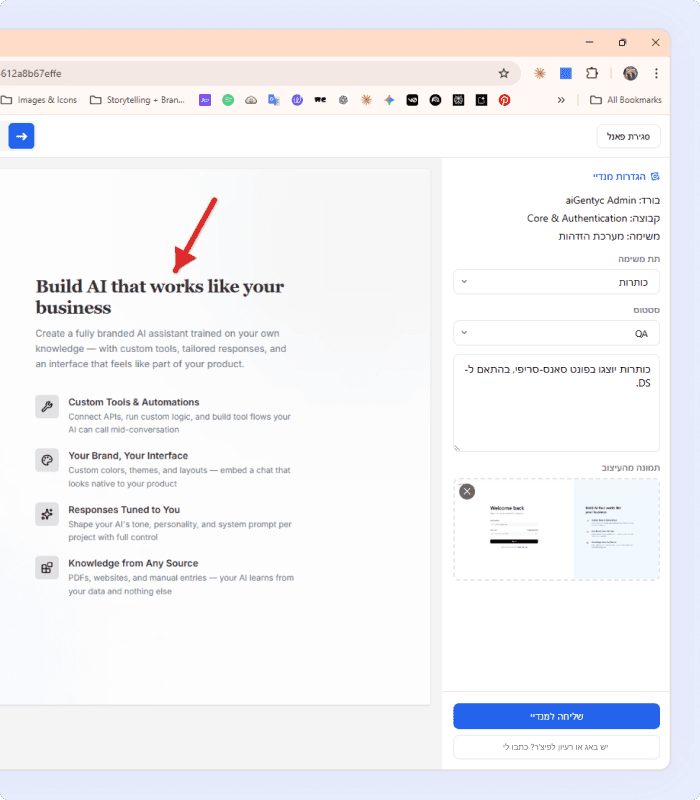
Dedicated panel for reporting
The side panel centralizes all bug-level reporting actions into one consistent area.
Allowing status selection directly inside the reporting flow based on user feedback - making the process more convenient.
Attach design reference to each bug
QA is usually reviewed against the intended design, so users needed a way to attach a design reference without leaving the tool.
This saved extra steps on Monday and made the report clearer for developers, with a more visible distinction between the actual issue and the expected result.
Clear annotation on full-size screenshots
The large screenshot makes it convenient to view the bug and place annotations precisely where needed, with the option to undo.
The bold red arrows help developers immediately identify issue areas. Improve both marking accuracy and final report readability.
Feedback during submission
The tool displays immediate feedback when a report is being sent and when the submission is completed successfully. Giving the user a sense of control.
Turning bug reports into clear action
The report introduced a more consistent reporting standard across the team.
The tool made communication clearer, reduced variability between PMs, and improved the quality of the handoff to developers.
Achievements
My takeaways
Moving forward

Meaningful product opportunities are everywhere
As a product design professional I can build and iterate entire products and tools!

Insight and implementation are closer than ever
The distance between seeing a problem and building a first solution is smaller than ever.

Speed was the visible win, but standardization was the deeper one
QA reports were easier to understand, easier to act on, and less dependent on who performed them.
😊